
What is SyncFast?
SyncFast automatically syncs your Stripe payouts to QuickBooks in real time. Once connected, every payout is instantly booked to your QuickBooks accounts, no manual work required.
Key Benefits
- Zero manual work: Payouts are automatically synced the moment they happen in Stripe.
- Real-time notifications: Get instant alerts when payouts are synced or if any issues arise.
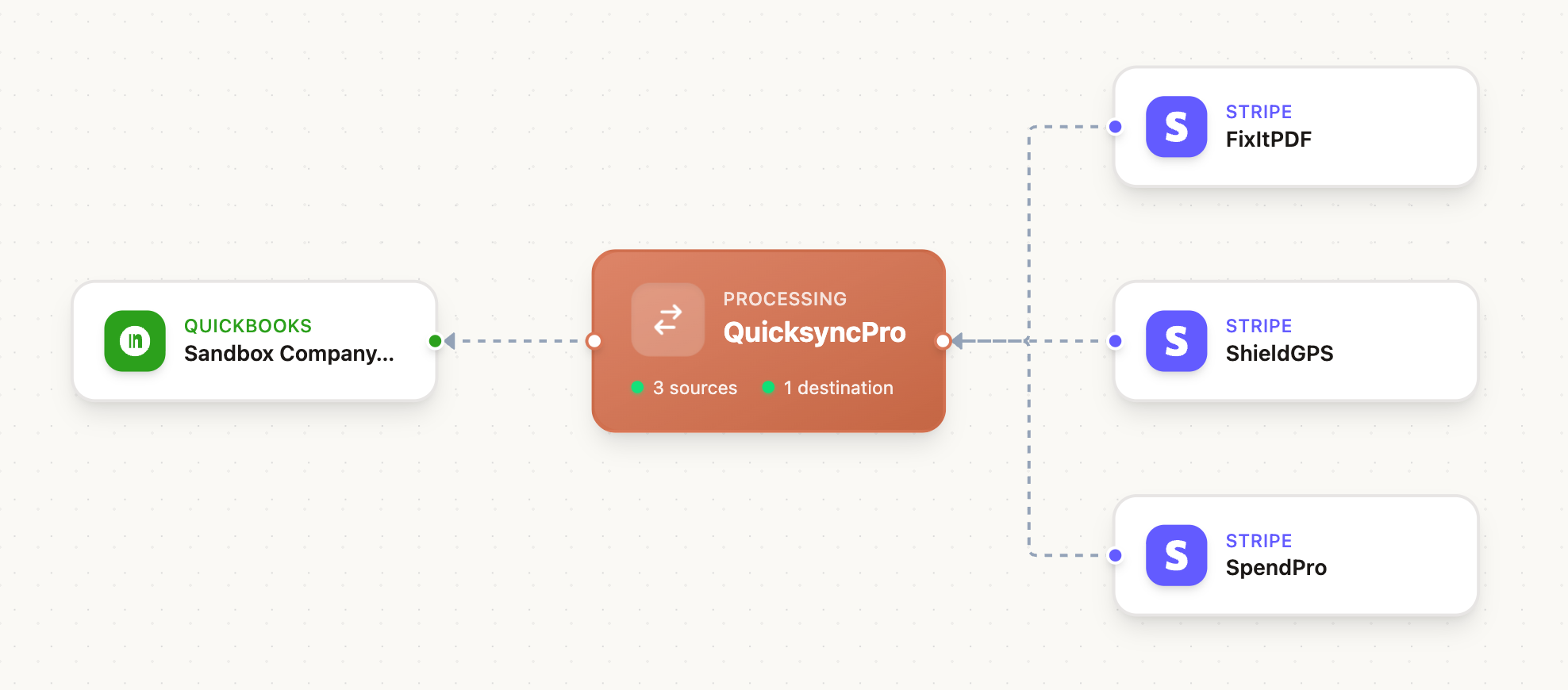
- Flexible routing: Handle simple setups (one Stripe account to one QuickBooks) or complex scenarios (multiple Stripe accounts to a single QuickBooks).
How It Works
- Connect your Stripe account(s) to SyncFast
- Connect your QuickBooks account
- Configure your routing rules and account mapping
- Relax, payouts are synced automatically from now on
Frequently Asked Questions
How are Stripe fees handled? SyncFast records gross revenue and books Stripe fees as a separate expense line item. This gives you accurate revenue figures and a clear view of processing costs for tax reporting. Learn more →
What happens if a sync fails? You'll receive an immediate error notification. Failed syncs can be retried from the Sync History in your dashboard. SyncFast also runs a daily check to catch any missed payouts. See Troubleshooting →
Can I use this with multiple Stripe accounts? Yes. You can connect multiple Stripe accounts to a single QuickBooks company, each with its own routing rules and account mappings. See Routing →
Does it support multi-currency? SyncFast records entries in your Stripe settlement currency. If you receive payments in other currencies, Stripe converts them before payout and SyncFast records the converted amounts. Learn more →
Is my financial data secure? SyncFast uses OAuth 2.0 for all connections so we never see your passwords. We request only the minimum permissions needed, and all data is encrypted in transit and at rest. See Security →
Does it work with QuickBooks Desktop? SyncFast currently supports QuickBooks Online only (Simple Start, Essentials, Plus, and Advanced plans).
How do I know payouts aren't being missed or double-counted? Each payout is tracked by its unique Stripe ID, preventing duplicates. A daily reconciliation check detects missed payouts and alerts you. See Reconciliation Guide →
Next Steps
Ready to get started? Head to the Setup guide.